
Mutiara Islam App is a PPDB (new student admission) system built for Raudhatul Athfal Mutiara Islam Kendari, built from feeling that a generic Google Form fell short and carried none of the school’s own branding. It replaces that manual process, Google Forms plus a spreadsheet for tracking, with a centralized registration form for parents and a full admin dashboard for the school, both running from a single Next.js codebase split across two subdomains.
A scrollable look at the finished site, exactly as a visitor would browse it.
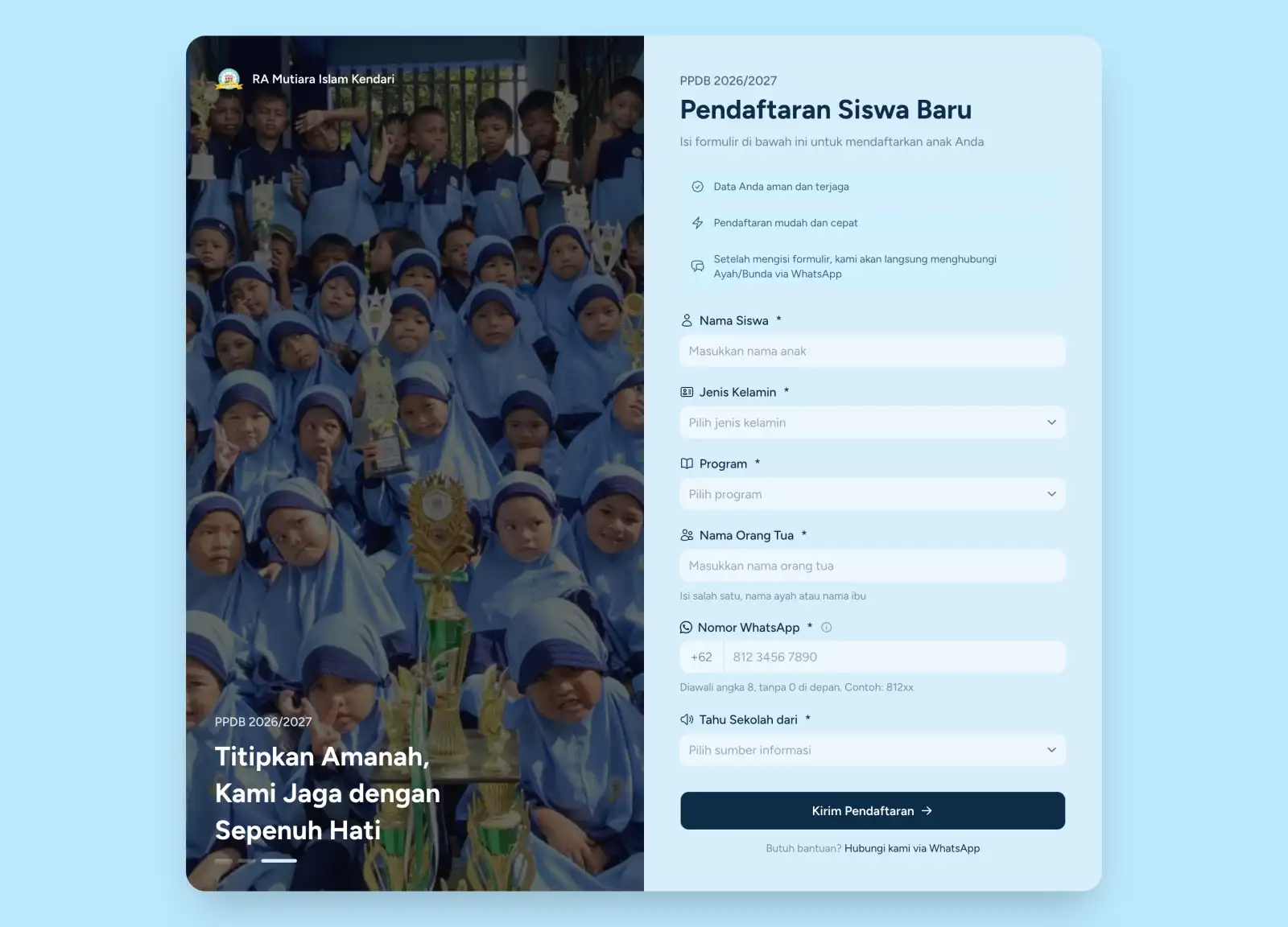
Desktop
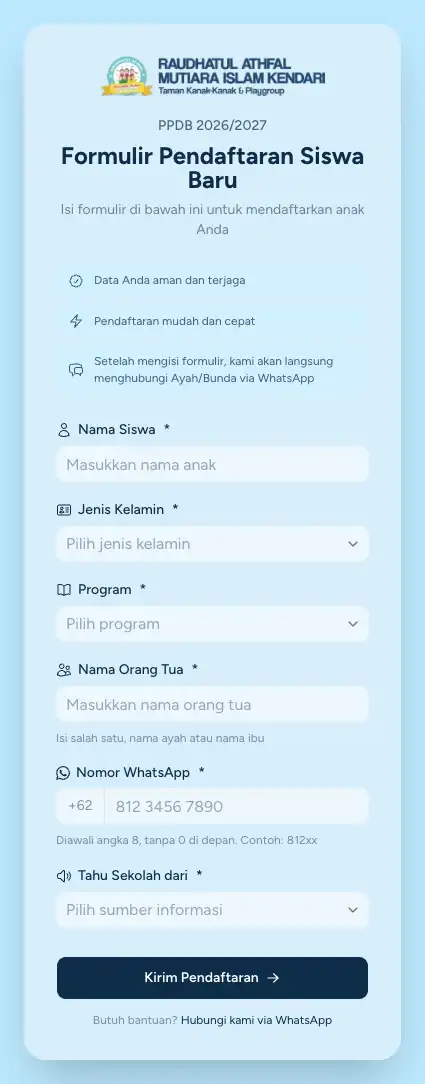
Mobile
Work like this is usually split between a developer, a UI/UX designer, a graphic designer, and a marketer. On this project, one person holds all four of those skill sets, so every decision came from someone who understood the whole project, not just their own part of it.
16
standards met, from code to marketing.
Business impact here is measured across 5 areas: Presence, Quality, Trust, Conversion and Growth. Together they cover how the business is found, perceived, and acted on.
Visibility into every registration’s real source
Before
Without any way to track it, the school had no idea which marketing channel, ad, or link actually led a parent to register, making it impossible to know what was actually working.
After
A referral-source field on the registration form, combined with ad-tracking integration, gives the school direct visibility into exactly which channels are driving real registrations.
Each project draws on a mix of disciplines: here’s how they came together on this one.
The tools and technologies that came together to bring this project to life.










The problems that came up while building this project, and what came out of solving them.
Routing Two Subdomains From One Codebase
The public registration form and the admin dashboard needed to live on two different subdomains while sharing a single Next.js deployment, solved with a routing layer that rewrites requests based on the incoming host header.
A Dropdown That Rendered Dark Inside a Light Page
Select dropdowns render through a portal outside the page’s own styling context, so they defaulted to a dark theme even inside an otherwise light-mode page, fixed by explicitly overriding their color classes per context.
Browser Autofill Overriding Field Colors
Selecting a saved value from the browser’s autofill suggestions bypassed the form’s usual field styling, requiring dedicated CSS rules covering both the WebKit-specific and standard autofill states, plus the active state.
Emails Not Sending Before the Function Froze
The hosting platform could freeze the server function before the email notification finished sending, fixed by wrapping it in a background task that keeps running after the response is already sent.
Adapting to a Framework Rename Mid-Build
A major framework version upgrade mid-project renamed a core routing convention and changed a cache invalidation API, requiring the routing and caching logic to be adjusted to the new conventions.
The technical problems fixed while building this project.
Zero notifications lost to a frozen function
Images under 200KB
PageSpeed green across all 4 categories
One codebase, two subdomains
Before
The hosting platform could freeze the server function handling a new registration before its email notification had finished sending, risking a notification that silently never reaches the admin team.
After
Email sending is wrapped in a background task that keeps running after the response is already sent, so a registration is never held up waiting on the notification, and the notification itself is never at risk of being cut short.
Before
High-resolution images across the site, not just one section, risked slowing down every page.
After
Every image across the site is compressed to WebP and kept under 200KB, keeping pages fast without a visible drop in quality.
Before
Early performance was inconsistent across the four Google PageSpeed categories.
After
Continuous optimization of images, JS, and CSS delivery brought all four categories into the green.
Before
The public registration form and the admin dashboard needed to live on two different subdomains, but standing up two separate deployments would mean duplicating the codebase and its dependencies.
After
A routing layer reads the incoming request’s host header and serves the right experience from a single Next.js deployment, with zero duplicated code between the public form and the admin dashboard.
